Generate report comments and student feedback in seconds. Built for P-12 teachers, by a teacher.
Test-based subjects use questions and marks. Rubric-based subjects use criteria and bands. Markpilot covers both — pick the workflow that matches what you're marking. Both produce parent report comments and student-facing feedback PDFs from the same workbook.
Maths · Physics · Chemistry · Biology · Accounting · Economics · Business Management — anything you mark question by question.
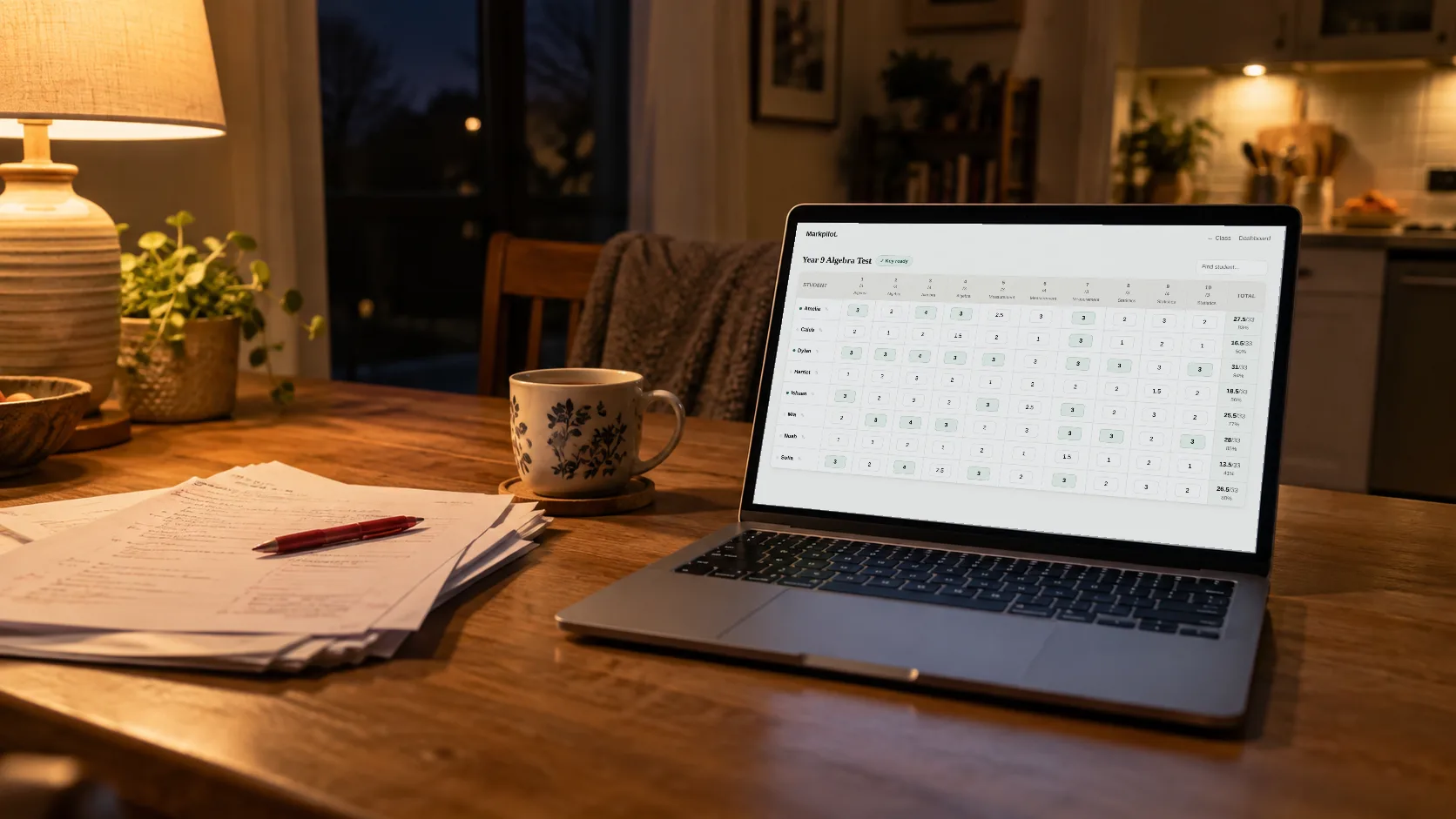
Upload the test PDF. Markpilot extracts questions, estimates marks, tags strands. You get an Excel workbook with formulas, conditional formatting, QLA, and a per-strand breakdown.
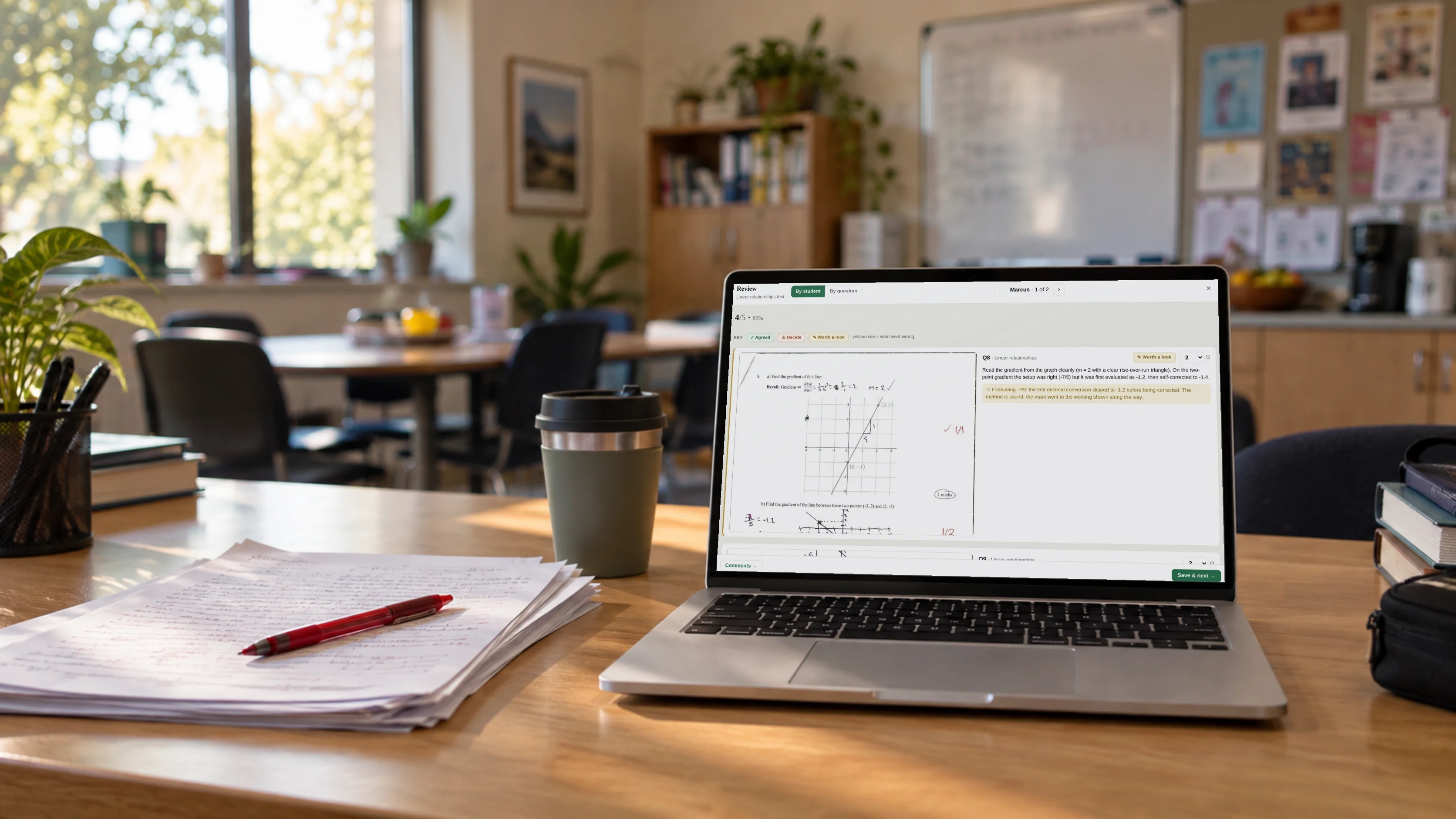
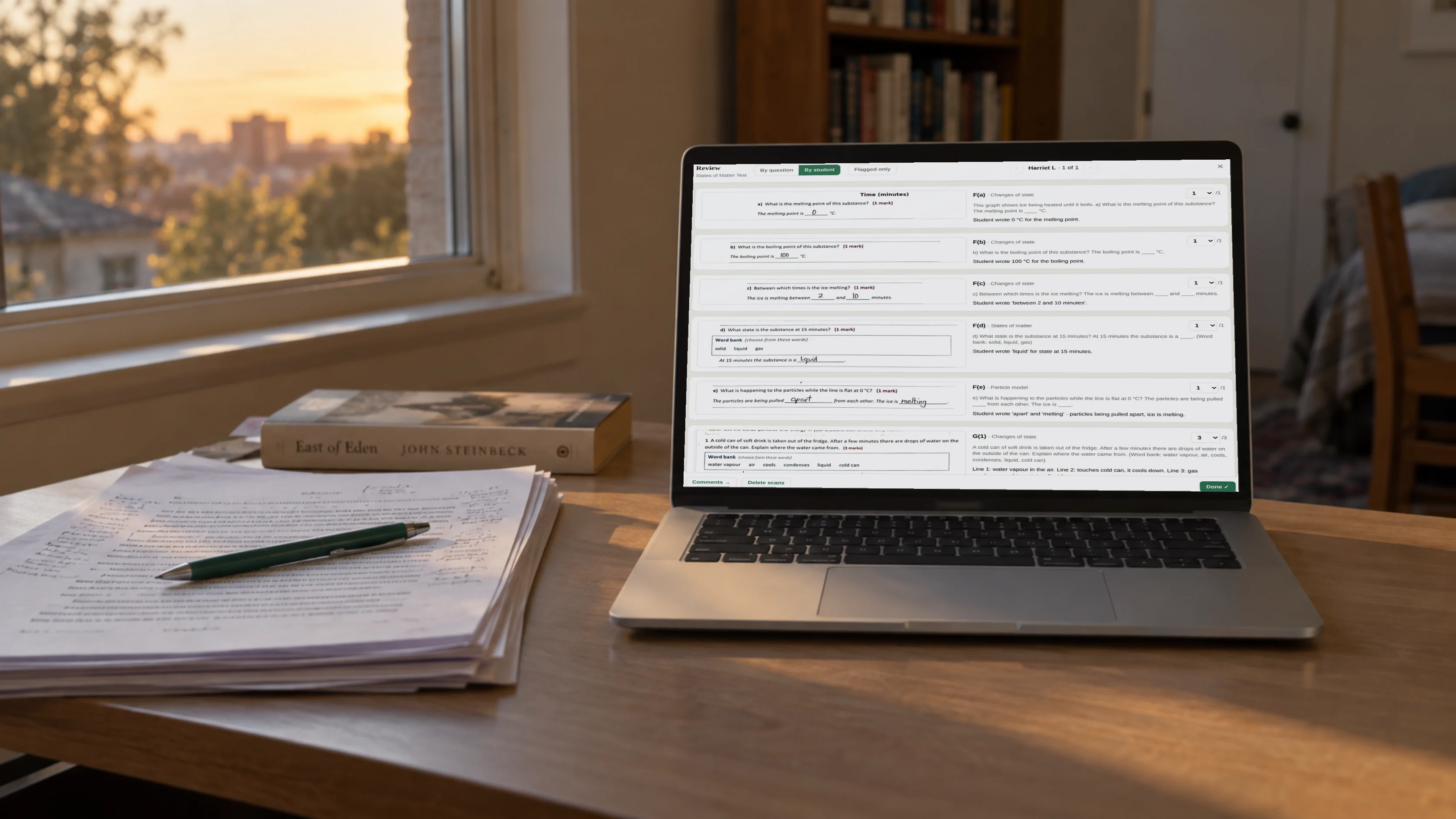
Mark in Excel and upload back. Get parent report comments plus student-facing feedback PDFs, anchored on full-marks strengths and zero-marks gaps. Optional: attach scanned papers for working-level evidence.
English · History · Geography · Languages · Visual Arts · Health & PE · Design Tech — essays, posters, lab reports, oral tasks, anything marked against a rubric.
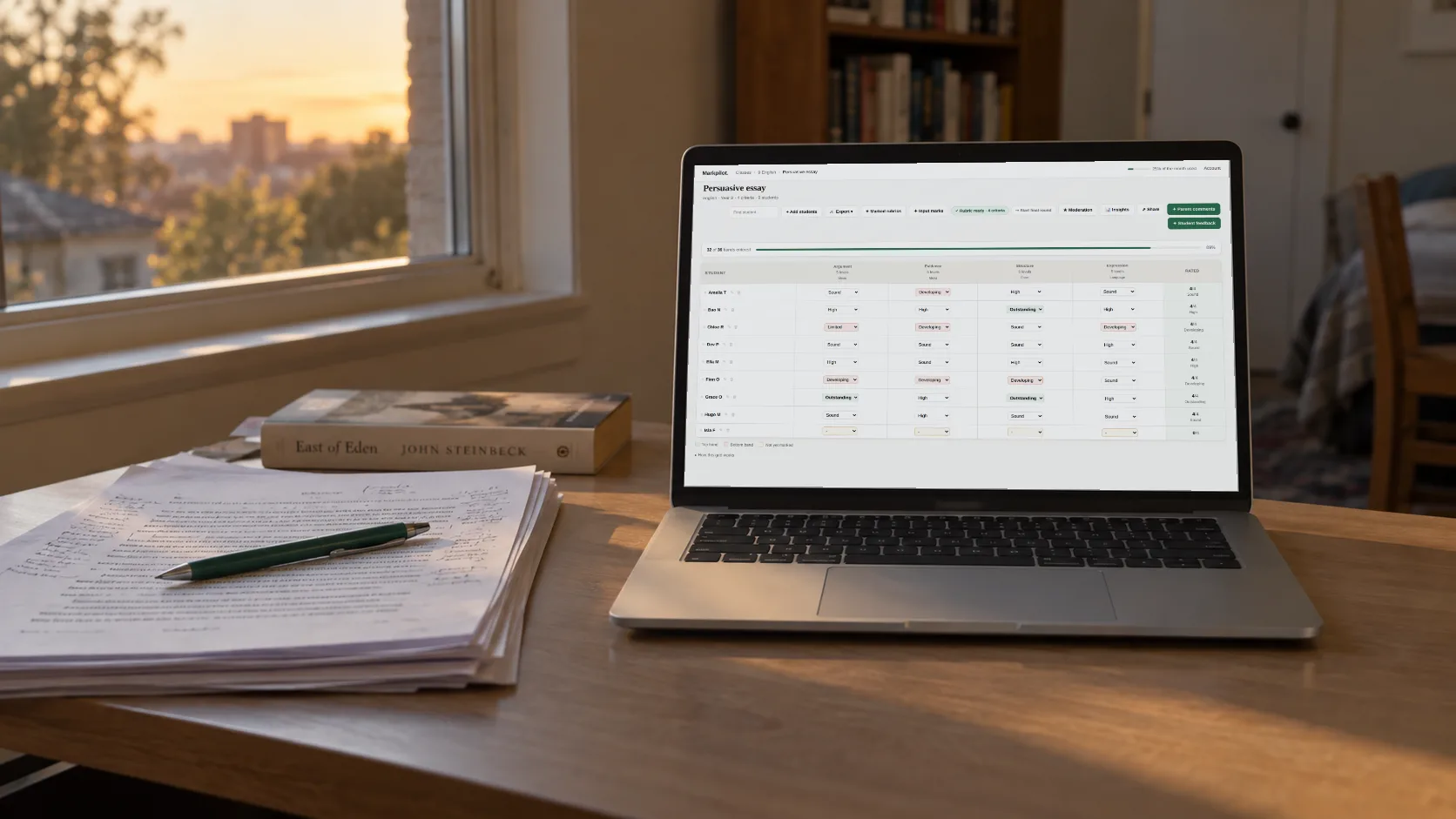
Upload your rubric (PDF or paste text). Get an Excel workbook with the rubric's actual level vocabulary as dropdowns — one row per student, one column per criterion.
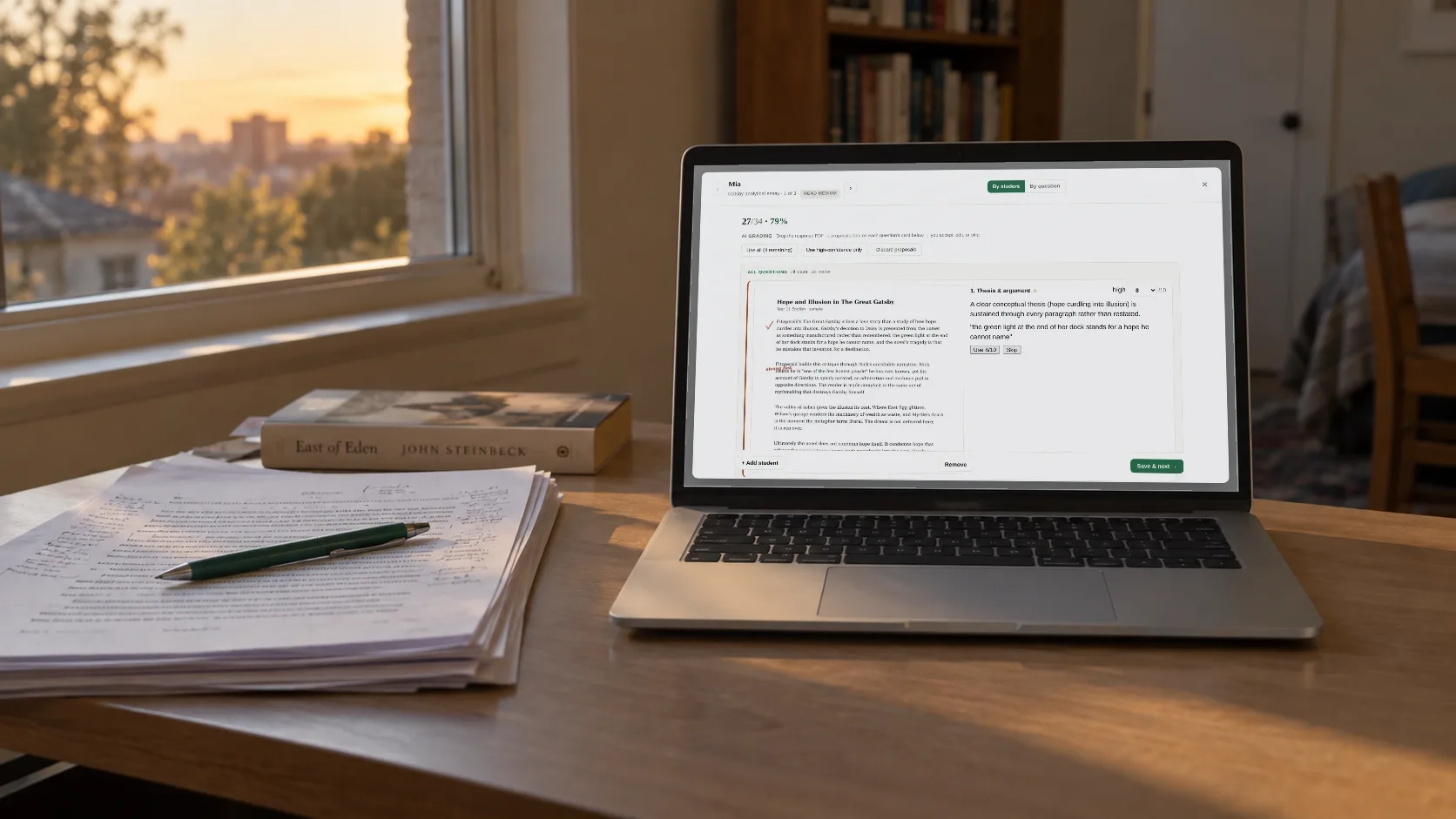
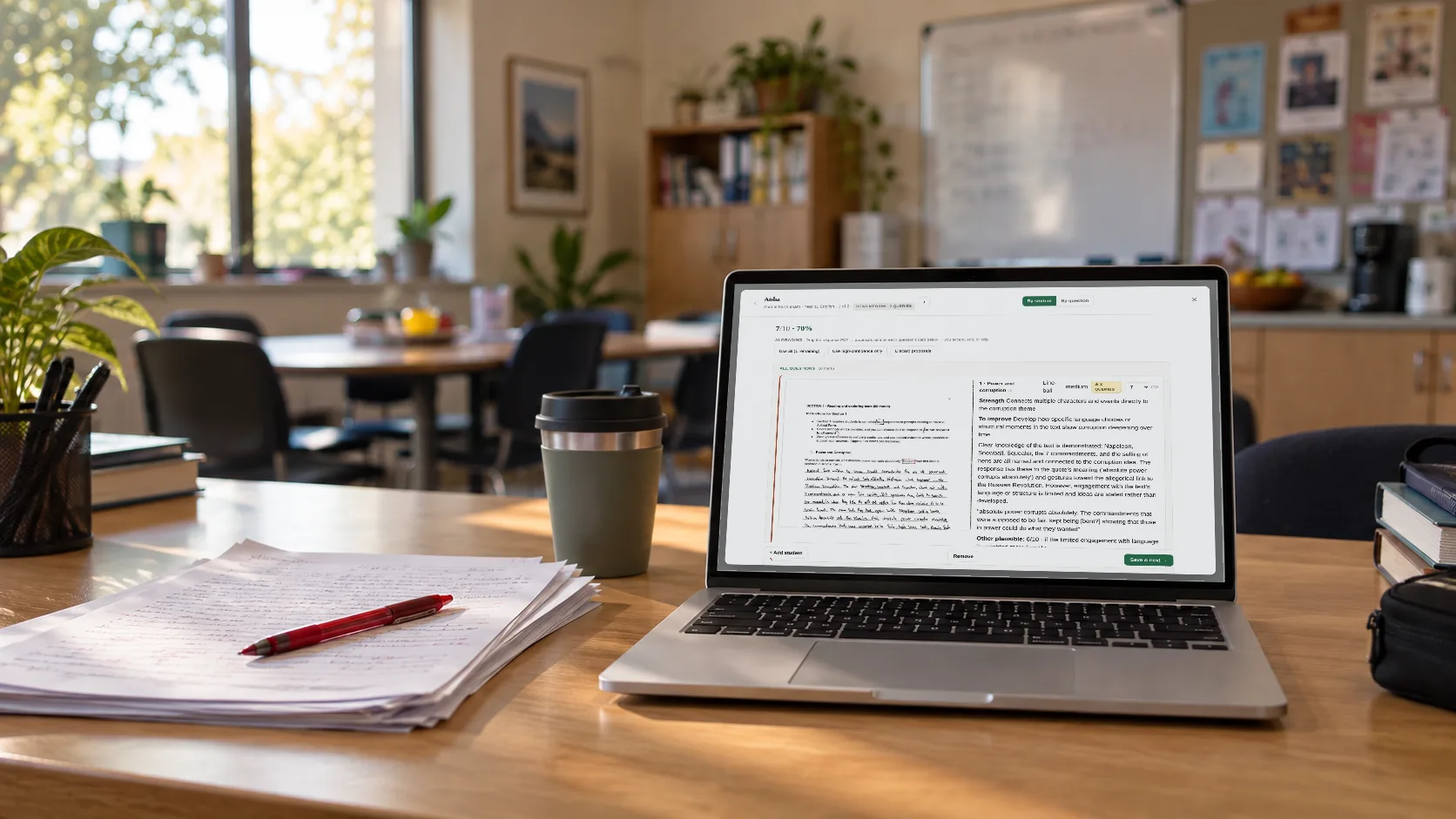
Mark in Excel and upload back. Attach each student's actual work (PDF) so feedback quotes their writing directly, not just their bands. Parent comments stay at parent altitude; student feedback gets specific.
No student data stored.
Same workbook flows through the whole assessment cycle. Same four steps whether you're on the markbook flow or the rubric flow.
Markpilot extracts questions and strands (test) or criteria and levels (rubric). You review and tweak in one screen.
An Excel file with the marking grid, formulas, class analytics, and dropdowns for the level vocabulary — ready to share with the HoD if needed.
Mark however you usually do. Cells turn green for full marks (or top band), red for zero (or lowest). Analytics auto-update as you go.
Upload the filled workbook back. Get parent report comments plus a student-facing feedback PDF for every student — two artefacts from one marking session.
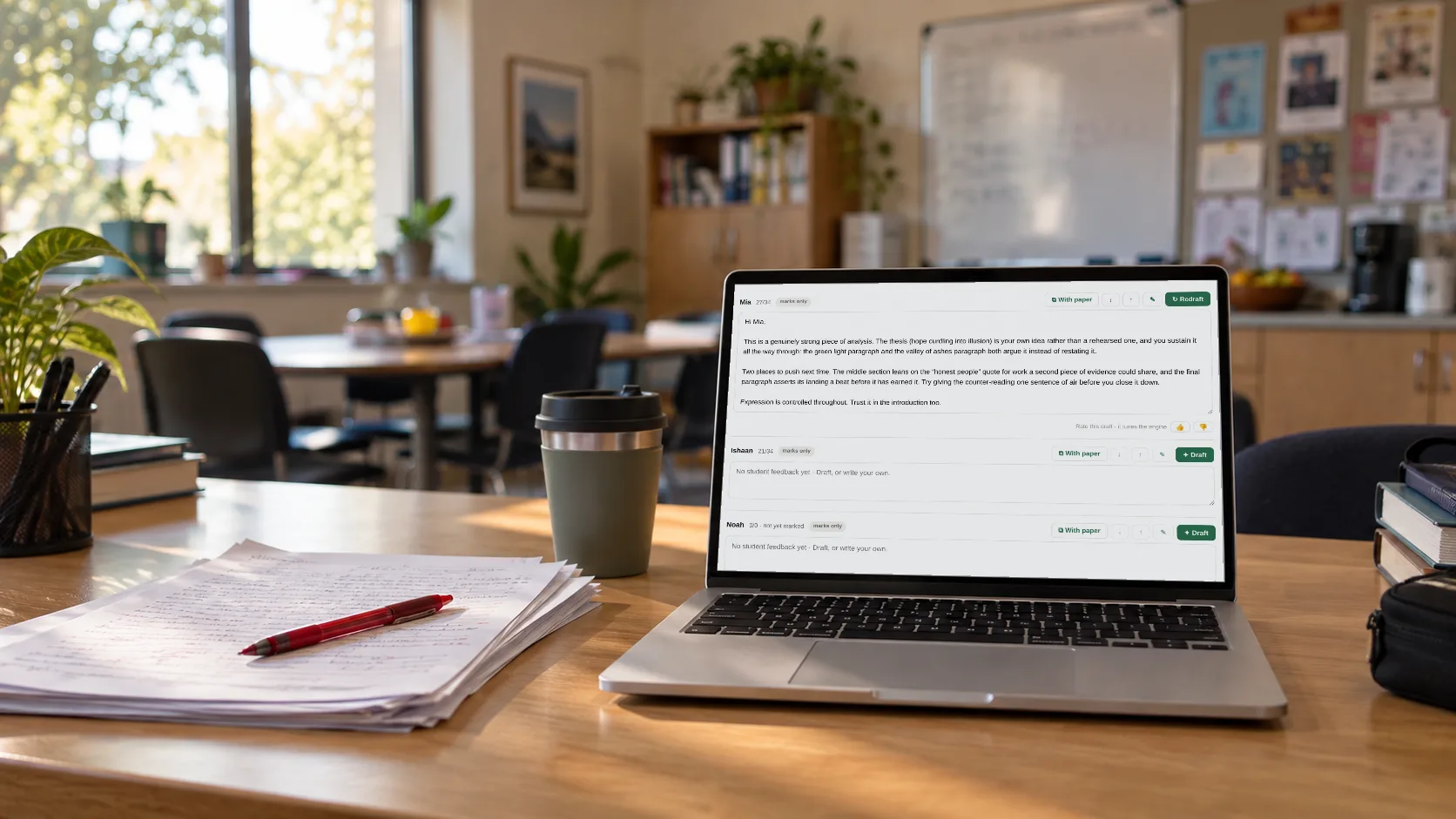
Every marking session produces two artefacts: a parent-facing report comment and a student-facing formative feedback PDF. Same anchoring on the actual work; different altitudes for different audiences.
Sam worked through compound interest problems with weekly compounding accurately and completely. The next area to develop is converting expressions with negative indices to positive index form. To build this skill, Sam would benefit from working through several examples step by step, starting with simple expressions and progressing to multi-step ones.
Tone and voice (Proficient)
Your opening — "It's 11:40 p.m." — drops the reader into a specific moment, and the tricolon "A like. A reaction. A streak." carries that immediacy through. To push toward Excellent, sustain that direct address through your evidence paragraphs: lead the reader into the Deakin statistic ("If a third of teens feel lonelier when they're most connected, then...") rather than presenting it cleanly.
One parent-altitude comment. One student-facing PDF with criterion cards and quoted evidence. Both from the same marking session.
Autopilot does 95% of the flying. Pilots own the worst-case scenarios. The same architecture works here: you mark the papers, apply your judgement, run your school's marking scheme. Markpilot does the operational tail — calculating, analysing, comparing, synthesising, writing — the boring stuff that costs you a Saturday but doesn't need you to be there.
We don't grade your papers — you do. We don't store your students' data. The accountability that lives with the teacher stays with the teacher.
The boring stuff done properly. The smart stuff done carefully.
Every strength and gap in the comment is tied to a real mark on a real question. Upload the test, mark the workbook, get a comment grounded in what your students actually did — not generic praise.
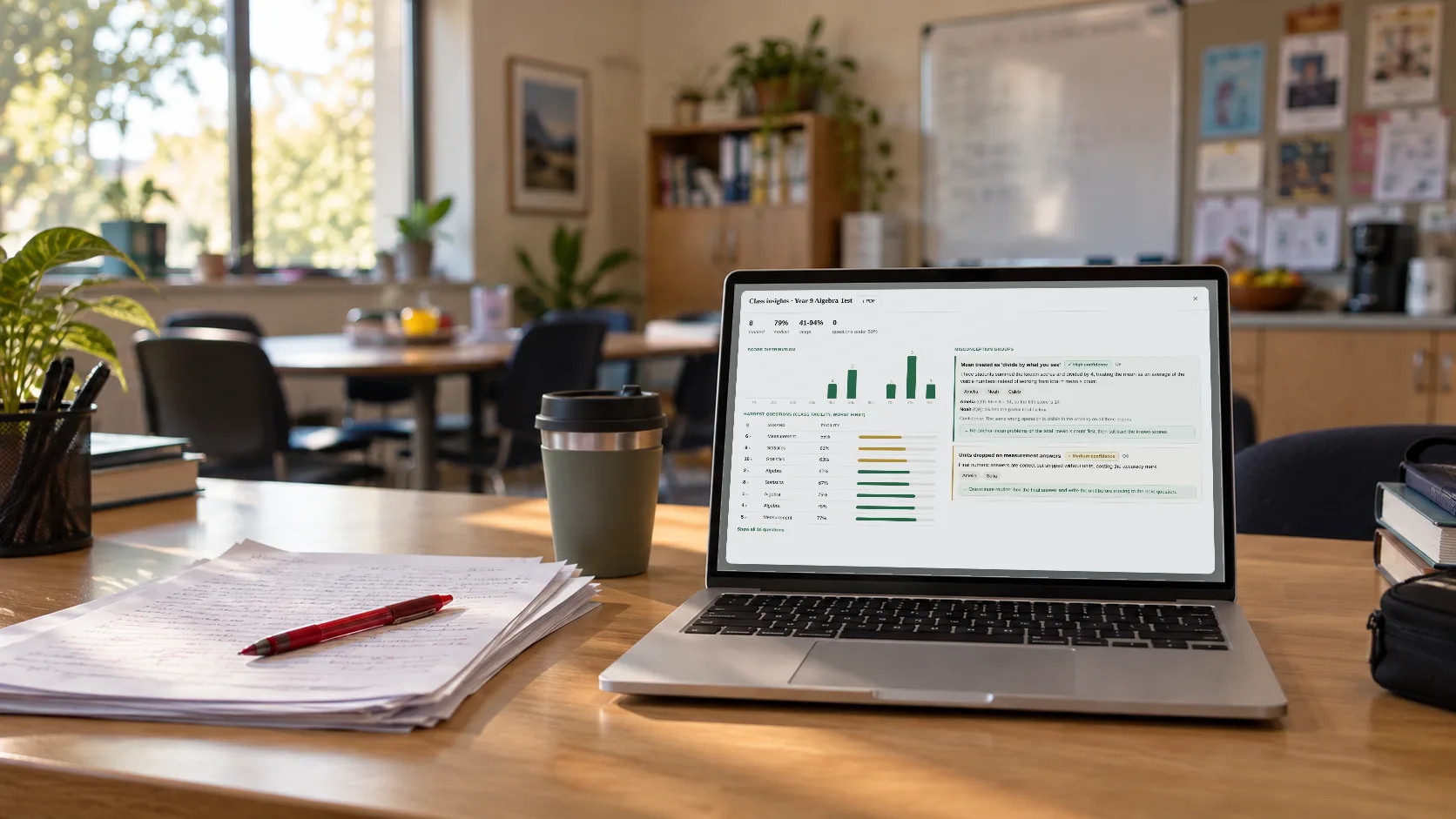
Question Level Analysis plus class mean, median, mode, std dev, pass rate, grade distribution, per-strand rollup. Formulas, not images. Updates as you mark.
No question numbers, no formulas, no padded phrases, no judgements on the overall score, no inferred internal states. Student-as-subject sentences only.
One-line style preferences apply to every comment forever. Tweak any single student's comment with a feedback note and regenerate.
No student data is ever stored on our servers — not names, not marks, not test content. PDFs and marks are processed by our AI service and discarded immediately.
The Excel file flows through the whole cycle. Marks, analytics, charts, and comments all live in the same file you download once.
No student data leaves the room. We don't store student names, marks, or test content on any server. Each upload is processed by our AI service and immediately discarded. When you sign in, we store only your email and your monthly usage count — never anything about your students.
Free to try with 50 comments a month. Upgrade when you need more. Cancel anytime.
No card required
$17/mo, billed annually as $200/year
Multiple teacher licences with their own logins. Tax invoice on a PO, no credit card required. We set up the seats and handle finance team paperwork. Get in touch and we'll work out what suits your department.
Email us →All prices in USD. Individual teachers can self-serve Pro on a credit card. Departments and schools email us for tailored pricing + invoicing.
What teachers ask before they sign up.
Yes. The PDF is processed as both text and image, so a clean scan works as well as a digital PDF. Very low-quality scans or photographed PDFs may need a second look at the extracted tags before generating.
Markpilot works two ways, Foundation through Year 12:
Teaching another test-based subject? Pick the closest match — the test paper is the primary signal for vocabulary and rigour.
Yes. After extraction you get an editable grid. Change the question label, max marks, strand, or skill before downloading the workbook. If extraction misses a question, add it manually.
Two modes. Per-question (default) combines sub-parts into one row (Q4 = 4a + 4b + 4c with summed marks). Per sub-question keeps them separate. Multiple choice sections can be a single row or one row per item.
Good enough that they need light editing rather than a full rewrite. Comments are anchored to the actual data (full marks question = strength, zero-mark question = gap), follow strict tone rules (no padded teacher-comment cliches, no question numbers, no judgements on overall score), and are written student-as-subject for a professional flow. You can tweak any single comment with a one-line feedback note and regenerate.
Your students never leave your browser. No student data is ever stored on our servers — not names, not marks, not test content. PDFs and marks are processed by our AI service and discarded immediately. When you sign in, we store your email and a monthly usage count. That's it. We use Google Analytics for anonymous visitor behaviour on the site (page views, button clicks) — never linked to student data. You can opt in to share anonymous edit patterns to improve the writing rules; off by default.
Both shipped. When you generate a parent report comment, Markpilot also produces a student-facing version (second person, growth-oriented) and a PTI prep-note format (3–5 bullets: Highlight / Raise gently / Suggest at home / Watch). All three formats land in the same workbook for the same student in one batch.
Yes. For rubric-based subjects (English, HASS, Languages, Arts), upload each student's actual work alongside the rubric workbook — PDFs of essays, posters, slide decks, or scanned papers with your handwritten margin notes. Markpilot reads both the student's work and your annotations as evidence, then writes feedback grounded in what they actually produced.